
Appointment reminders on WhatsApp: examples and guide
Updated
A client who forgets her appointment is an hour of chair time paid for and empty. A reminder the day before is the simplest way to prevent it, and WhatsApp is where clients already write to you. There are two ways: by hand, or automatically.
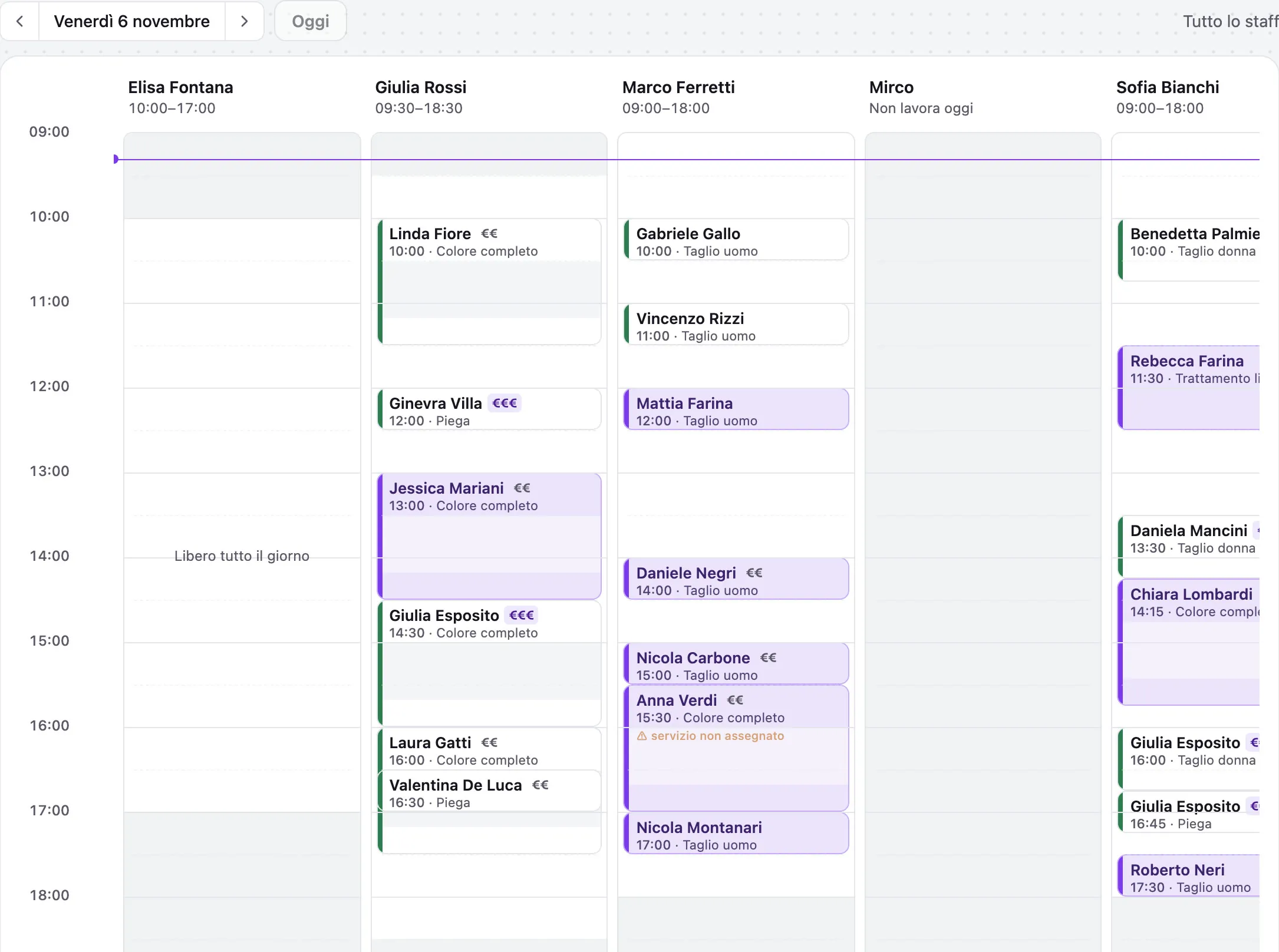
Reminder message examples to copy
A reminder that works is short, has the client's name, day, time and service, and gives her an easy way to move it. Adapt these examples to your salon's tone.
- Hair salon: “Hi Laura, see you tomorrow at 15:30 for your colour with Giulia. If you can't make it, write to us here and we'll find another time.”
- Beautician: “Good morning Marta, a reminder of your facial on Thursday at 10. To move it, just reply to this message.”
- With confirmation: “Hi Sara, can you confirm your cut on Saturday at 9? Reply YES to confirm or write to us if you need another day.”
- Same day: “Hi Paola, see you later at 17! If you're running late let us know, so we can arrange the agenda.”
WhatsApp Business automatic replies
The free WhatsApp Business app has three useful tools: the greeting message, the away message for when the salon is closed and quick replies, saved texts you call up with a shortcut. You set them up from Business tools. None of the three, though, sends a reminder on its own the day before: for that you need a system connected to the agenda.
By hand, with the WhatsApp Business app
The WhatsApp Business app is free. It lets you save quick replies, ready texts you call up with a shortcut, and label chats. Every evening you open the next day's agenda, look up the clients and send the text. It works, but it takes time every evening, and it gets skipped precisely on the busy days, when it would matter most.
- Save a quick reply with name, day and time to fill in
- Use a “reminder sent” label so you don't write twice
- Ask her to reply if she can't come, so you move it straight away
Automatically, connected to the agenda
To send reminders without touching your phone you need Meta's WhatsApp Business platform, connected to the agenda. Automatic messages use texts approved in advance by WhatsApp, and Meta bills them per message, with prices that depend on the country and the message type. In return you no longer have to remember anything: the reminder goes out on its own for every appointment.
What to write in the reminder
Short, with what's needed and an easy way to move it. For example: “Hi Giulia, a reminder of your appointment tomorrow, Thursday at 15:00, for colour and blow-dry with Anna. If you can't make it reply here and we'll find another time.”
- The client's name, day, time and service
- Who the appointment is with, if there are several of you in the salon
- How to let you know if she can't come
- No promotion inside the reminder: they're two different messages, for WhatsApp too
When to send it
The day before, in the afternoon, is the most common compromise: early enough to move it, close enough to remember. For long services, like a colour with treatment, a message a few days earlier can also help.
The rules to follow
Write only to clients who gave you their number and expect your messages. The reminder for a booked appointment is a service message; promotions are marketing and require the client's consent. Mixing them is the quickest way to get reported.
How Kairo does it
Kairo connects the salon's WhatsApp, the same number clients know, and sends the reminder the day before every appointment with a text already approved by WhatsApp. If the client writes that she can't come, it offers her the free slots. The day after the visit it can ask her for a review. Answering someone who wrote to you is free; reminders are billed by Meta to the salon, at Meta's price, with no mark-up from Kairo.
Frequently asked questions
- Are WhatsApp reminders free?
- Sending them by hand from the WhatsApp Business app is free. Automatic messages through Meta's platform are paid per message, at the prices Meta sets by country and category. Answering a client who wrote to you is free.
- Can I use the WhatsApp number I already have?
- With Kairo, yes: the salon's number stays the one clients know.
- SMS or WhatsApp for reminders?
- On WhatsApp the client replies in the same chat you wrote in, and can move the appointment without calling. Kairo uses WhatsApp only.